
Download Ulead Photo Explorer – Image Organization, Import from Devices, Instant Printing, Internet Publishing
Overview
Ulead Photo Explorer is a mobile application designed to simplify the management and organization of digital images for both amateur and professional users. Its primary purpose is to provide a centralized platform for viewing, importing, organizing, and sharing photos across various devices. The app addresses common challenges associated with digital photo clutter, such as disorganized file structures, difficulty in locating specific images, and inefficient workflows for printing or sharing content online. By offering tools for direct device integration and instant publishing, it streamlines the entire photo lifecycle from capture to distribution.
Target users include photographers, digital archivists, and everyday smartphone users who maintain large personal photo libraries. The app supports a range of real-world use cases, such as managing images from digital cameras or scanners, preparing photos for print, and creating shareable online albums. While the developer did not provide additional technical details, the application’s focus on usability and functionality suggests a strong emphasis on user-centric design. In the broader app ecosystem, Ulead Photo Explorer fills a niche for dedicated photo management tools, particularly for users who value direct device access and seamless sharing capabilities.
Key Features & Functionality
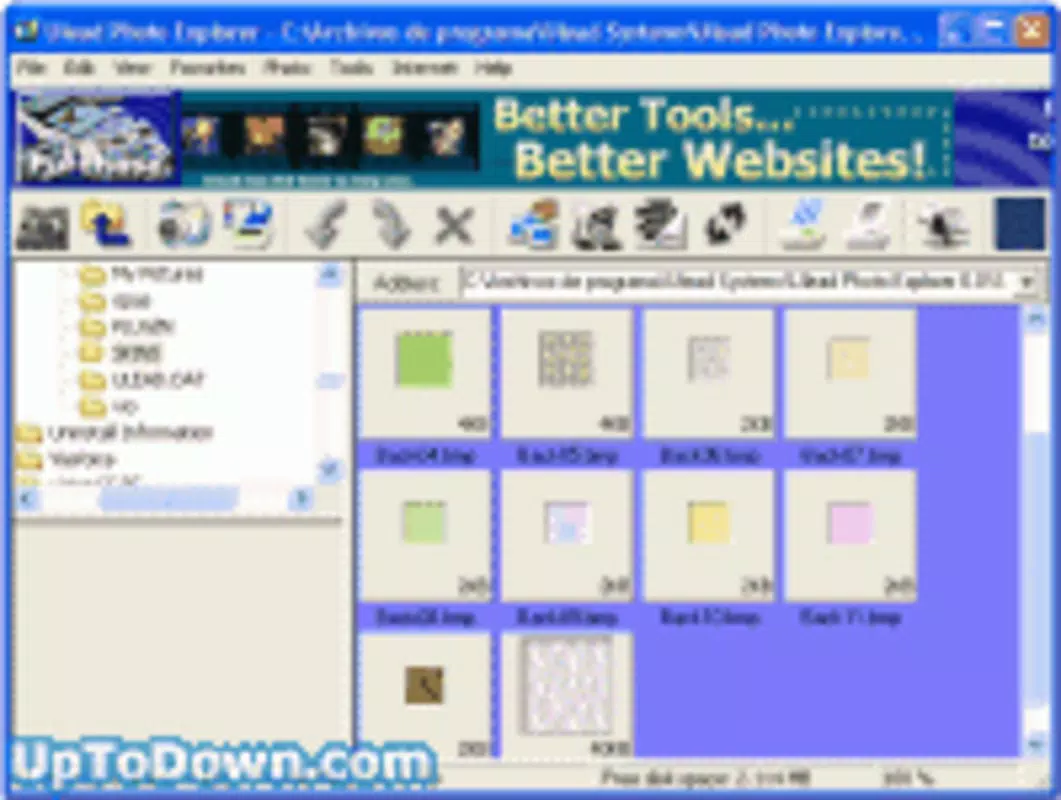
- Image Organization: The app features a thumbnail-based interface that displays images within a directory structure, enabling users to navigate through large collections with ease. This visual layout supports efficient sorting and categorization, helping maintain a tidy and accessible photo library.
- Import from Devices: Users can transfer images directly from cameras, scanners, and other connected devices within the same application window. The integrated options menu simplifies the import process, minimizing the need for external tools or complex workflows.
- Instant Printing and Display: As images are imported, users can choose to print or display them immediately. This functionality is especially useful for quick proofing or producing physical copies without additional software steps.
- Internet Publishing: After a simple registration process, users can publish albums and upload images to the internet. This feature enables effortless sharing with family, friends, or a broader audience, enhancing the app’s utility beyond local storage.
These features are particularly beneficial in scenarios such as post-event photo cleanup, where users need to quickly import, sort, and share images from a camera or scanner. The ability to print or publish immediately after import reduces workflow friction, making the app ideal for users seeking efficiency and simplicity.
Interface, UX & Performance
The user interface of Ulead Photo Explorer is designed around a thumbnail-driven layout, presenting images in a clean and intuitive manner. Navigation is structured through a directory-based system, allowing users to move between folders and subfolders with minimal effort. The visual style emphasizes clarity and functionality, avoiding unnecessary distractions to keep focus on the photo content.
Navigation flow is straightforward, with a consistent layout that supports quick access to core functions such as import, organization, printing, and publishing. The app appears optimized for ease of use, catering to users with varying levels of technical expertise. Although the developer did not list formal performance metrics, the application’s design suggests responsiveness across different device categories, including smartphones and tablets.
Stability is implied through the seamless integration of core features like device import and instant printing. The absence of reported issues in the provided information indicates a reliable user experience. However, specific performance benchmarks, load times, or compatibility with older devices were not disclosed.
Platform Compatibility & Technical Requirements
Ulead Photo Explorer is available for mobile platforms, though the specific operating system was not listed. The app’s version is not specified, and the file size remains undisclosed. The developer did not provide minimum OS requirements or device compatibility details.
Given the release date of August 14, 2003, the application predates modern mobile ecosystems and may not be compatible with current smartphones or operating systems. Users should verify availability through official channels before attempting installation. The absence of updated technical specifications suggests that the app may no longer be actively maintained or distributed through official app stores.
Pros and Cons
Pros
- Intuitive thumbnail-based interface for easy navigation
- Direct import from cameras and scanners within the app
- Immediate printing and display options after import
- Seamless internet publishing with minimal setup
- Designed for both amateur and professional photo management
Cons
- Release date indicates the app is outdated (2003)
- No current platform or OS compatibility information provided
- File size and version details not disclosed
- May not function on modern smartphones or operating systems
- Limited technical support or updates available
FAQ
Is Ulead Photo Explorer still available for download?
The app was released in 2003, and no current distribution channels have been confirmed. Users should verify availability through official sources or legacy software repositories.
Can I use Ulead Photo Explorer on modern smartphones?
Compatibility with current devices is uncertain. The app was developed over two decades ago and may not support modern operating systems or hardware.
Does Ulead Photo Explorer require an internet connection?
Internet connectivity is required for the publishing feature, but basic functions like viewing and organizing images can be performed offline.
Is the app free to download and use?
Price information was not provided. Users should check official sources for current pricing or licensing terms.
How do I import photos from my camera using Ulead Photo Explorer?
Users can import images directly from cameras and scanners within the app window. The process is simplified through an integrated options menu, allowing for quick transfer without external tools.
Final Thoughts
Ulead Photo Explorer represents a pioneering effort in mobile photo management, offering a comprehensive set of tools for organizing, importing, printing, and sharing images. Its intuitive interface and direct device integration made it a valuable tool at the time of its release. However, its age and lack of updated technical details raise concerns about current usability and compatibility.
While the app may still hold interest for retro computing enthusiasts or users working with legacy systems, it is unlikely to function on modern smartphones. For today’s users, newer alternatives with active support and updated features are recommended.
Download Ulead Photo Explorer now


